
Document the investigation
Capture symptoms, equipment context, owner, comments, pictures, findings, and updates as troubleshooting progresses.
The fault returns on another shift. Instead of starting cold, the next person can find the symptoms, what the team tried, and the recorded resolution. Keep the troubleshooting story—not just the work-order status.
Keep the issue, context, people, updates, and ownership connected.
Preserve the real response and useful supporting details.
Bring prior operational knowledge back when the next person needs it.
See guided resolution, follow-up, and retained TechNote history inside Turnover.
Follow the complete walkthrough →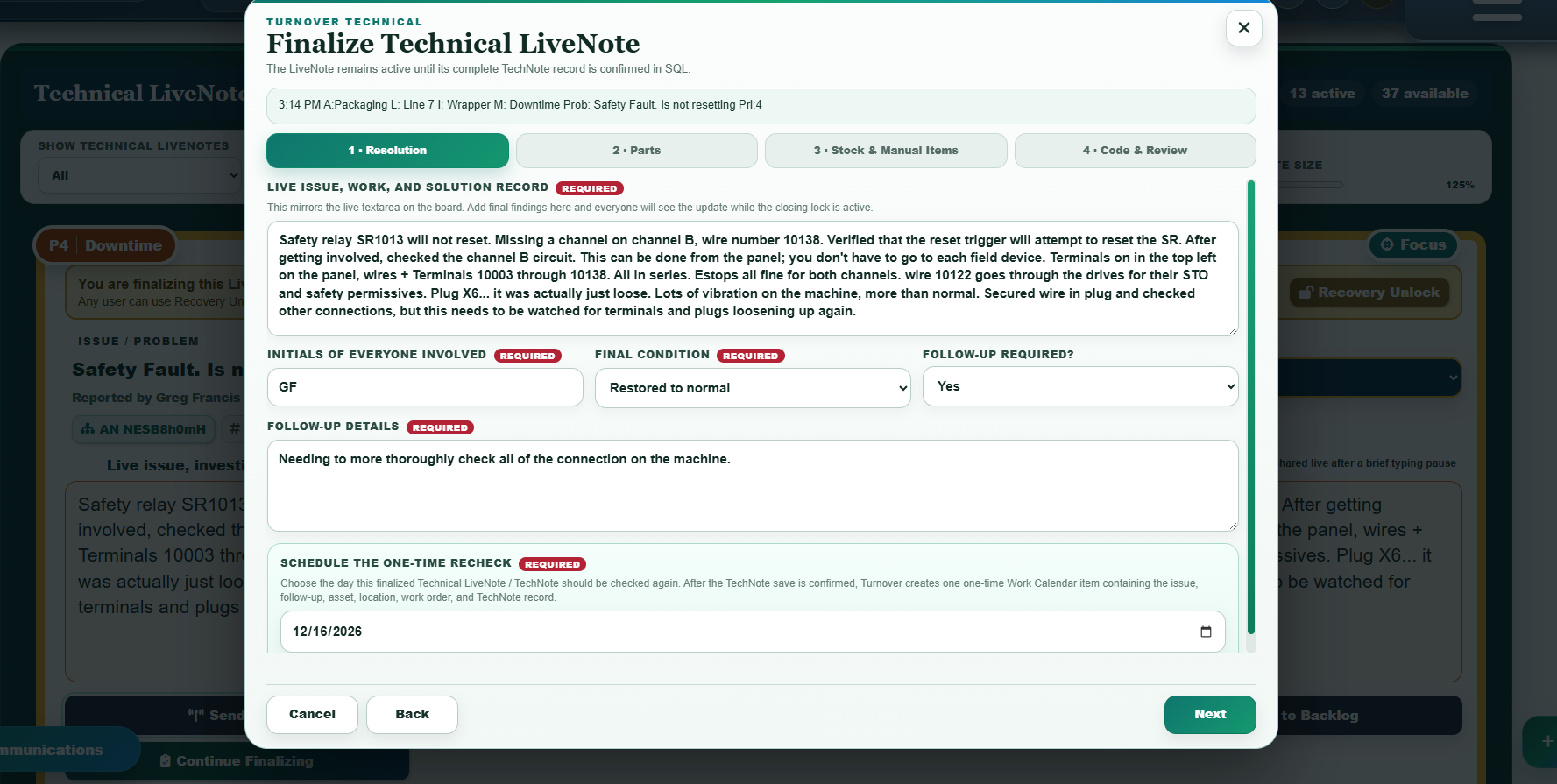
Useful troubleshooting history should preserve the original symptom, equipment context, investigation, pictures, people involved, findings, and the closing response. Turnover keeps those details connected so prior work can become a starting point instead of a forgotten record.
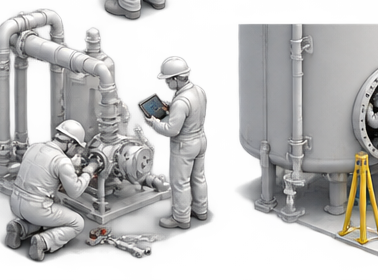
Capture symptoms, equipment context, owner, comments, pictures, findings, and updates as troubleshooting progresses.
The closing response becomes part of the retained technical record so the next person can see what was tried and what worked.
Search TechNotes using problem wording, response wording, codes, areas, lines, items, dates, exact terms, AND/OR logic, and supported filters.
Small industrial teams can use Turnover as the primary connected industrial work workspace.
Plants can keep existing CMMS, ERP, MES, historian, document, or work-order systems and use Turnover for the context between them.
Existing data can be mapped and migrated through supported import or assisted migration paths without claiming connectors that are not built.
Turnover can complement a CMMS by preserving troubleshooting and operational context that often does not fit cleanly in the formal work-order record. It can also serve smaller teams as a broader primary operational workspace.
Yes. TechNote search supports problem and response wording plus equipment, codes, dates, exact terms, AND/OR logic, and other supported filters.
Yes. LiveNotes support ownership and transfer so work can continue without losing the existing thread.
Turnover Core starts at $75 per month for 5 seats. Additional Core seats are $15 per month each, and Founding Customer Turnover Intelligence is an optional Program-wide add-on at +$10 per user/month for every user in the Program, 50% off the planned +$20 standard rate. Local Admin controls which authorized users can access specific Intelligence capabilities. Larger plant or multi-site deployments can use a guided path.
The history preserved damaged-cable evidence, misleading symptoms, and checks worth keeping for the next technician.